
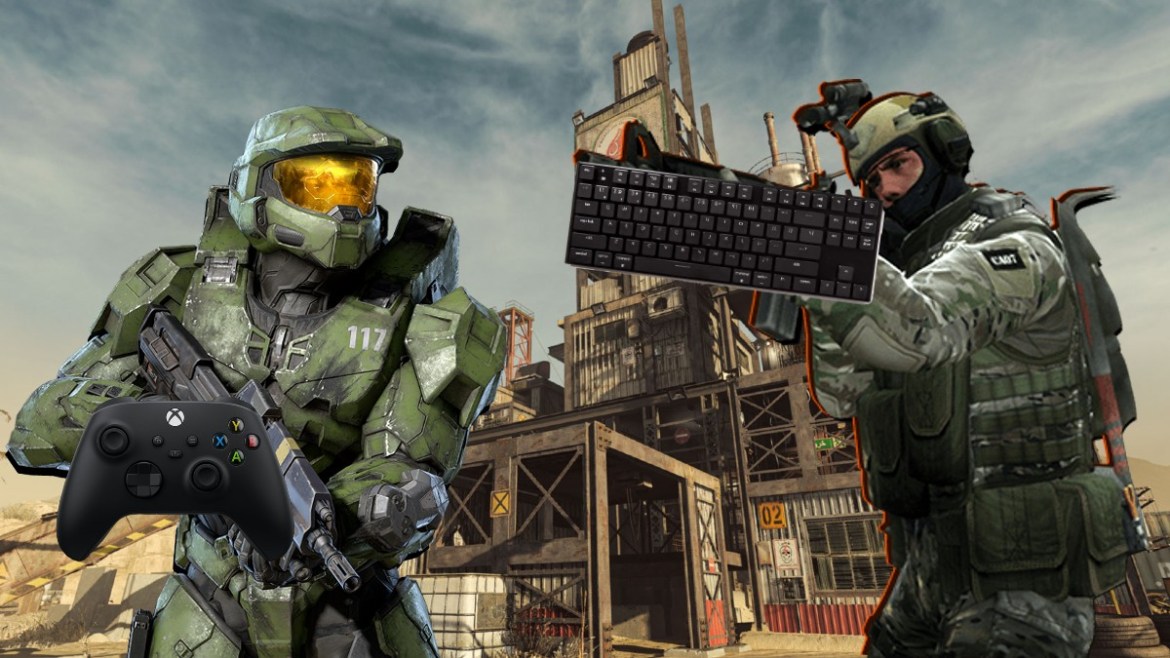
The debate over controller vs. mouse projectile aiming has raged since the dawn of competitive shooters. As we move through 2026, the gap between these two input methods has narrowed due to advanced software-assisted aiming, yet the core mechanics remain fundamentally different. Whether you are a casual player or an aspiring pro, understanding how your input device affects your ability to lead targets is crucial for your performance.
The Physics of Projectile Aiming
Unlike hitscan weapons, where your crosshair must be exactly on the target, projectile aiming requires you to calculate travel time and bullet drop. You aren’t just aiming at where the enemy is; you are aiming at where they will be.
Mouse aiming relies on 1:1 input translation, meaning your hand movement directly correlates to the cursor’s path on the screen. Because a mouse offers a much larger surface area and infinite rotation potential, tracking moving targets at long distances is significantly more intuitive.
Why Mouse Remains the King of Precision
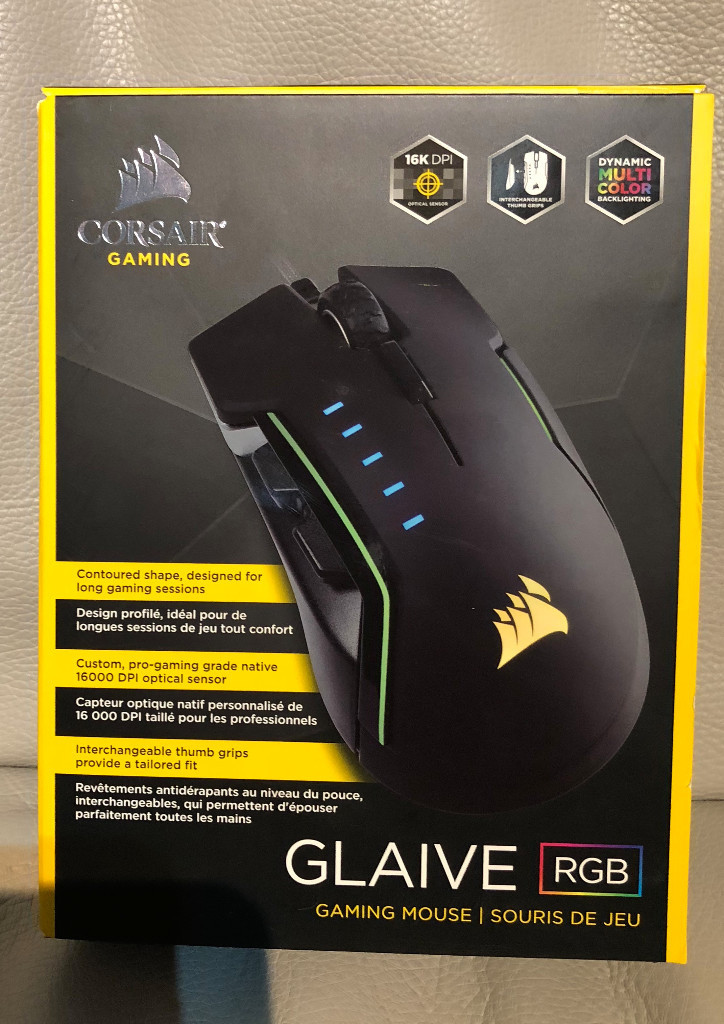
In the vast majority of scenarios, aiming with a mouse is inherently easier and more precise than aiming with a controller. This is the “cold, hard truth” honed from decades of fragging experience. When you need to adjust for a projectile’s arc, the micro-adjustments possible with a gaming mouse are unmatched.
Research supports this dominance. A study conducted by the University of California, Los Angeles, found that mouse users outperformed controller users by an average of 30% in complex aiming tasks. This disparity is most evident in projectile-heavy games where predicting movement is constant.
The Benefits of Mouse Aiming:
- Superior Flicking: Snap-aiming to a moving projectile path is faster with a wrist-based motion.
- Custom Sensitivity: You can fine-tune your DPI to match your specific mouse pad size and playstyle.
- Lack of Acceleration: Unlike some controller implementations, a mouse provides raw, linear input without artificial smoothing.
<img alt="Free Mouse Sensitivity Converter Calculator: Easy to Use & Free …" src="https://aiming.pro/images/map-thumbs/GameTrainer/PThumbPeekLane.jpg” style=”max-width:100%; height:auto; border-radius:8px; margin: 1rem 0;” />
The Controller Conundrum: Aim Assist and Movement
While the mouse wins on raw precision, controllers have evolved significantly by 2026. Modern games incorporate sophisticated aim assist algorithms that help bridge the gap. These systems often provide subtle “friction” or “magnetism” when the reticle passes over a hitbox, which can be a massive advantage in close-quarters projectile combat.
However, the main limitation of the controller is the thumbstick’s range of motion. You are limited by the physical edge of the stick, which forces players to rely on a fixed sensitivity curve. This makes high-velocity tracking of projectiles much more difficult compared to the infinite real estate of a mouse pad.
The “Hybrid” Revolution: Why Not Both?
If you are struggling to choose, 2026 has brought a new trend to the forefront: The Hybrid Setup. By using the left half of a console controller for movement and your mouse for aiming, you can achieve the best of both worlds.
This setup allows for the 360-degree fluid movement of a joystick—which is often superior to WASD—while retaining the pixel-perfect accuracy of a mouse. While there is definitely a learning curve to mastering this unconventional input method, those who persevere often find it provides the ultimate mechanical advantage in tactical shooters.
Tips to Improve Your Projectile Aiming
Regardless of your chosen input, improving at projectile-based games requires a disciplined approach. Here is how you can level up your game in 2026:
- Understand Projectile Velocity: Every game has a different “bullet speed.” Spend time in a firing range to learn the travel time of your favorite weapons.
- Focus on Lead Distance: Practice tracking targets that move at constant speeds. Eventually, your brain will build “muscle memory” for how far ahead to aim.
- Use Aim Trainers: Software like Aimlabs or KovaaK’s (updated for 2026) offers specific scenarios for projectile tracking that are far more effective than just playing matches.
- Consistency is Key: Do not change your sensitivity constantly. Stick to one setting to allow your brain to map the distance to the target accurately.
Conclusion: Which Should You Choose?
If your primary goal is raw, unassisted accuracy and long-range tracking, the mouse and keyboard remain the superior choice. The ability to make micro-adjustments for projectile drop and travel time is simply more natural for the human hand when using a mouse.
However, if you enjoy the comfort of a controller and the benefits of modern aim assist, don’t feel discouraged. Many high-level players compete at the top of the leaderboards using controllers by playing to their strengths—focusing on positioning and game sense rather than raw aim. Ultimately, the best input is the one that allows you to enjoy the game while remaining competitive.