
In the hyper-competitive landscape of 2026, the difference between a top-tier fragger and a bottom-fragger often comes down to milliseconds. While raw talent and practice are essential, your FPS settings for better aiming accuracy act as the bridge between your brain’s intent and the action on screen. If your hardware is misconfigured, you are essentially fighting your own PC.
Optimizing your system isn’t just about high frame rates; it’s about consistency, latency reduction, and visual clarity. Whether you are grinding ranked matches or competing in professional circuits, these settings are designed to give you the competitive edge required to dominate the virtual battlefield.
Why FPS Settings Directly Impact Your Aim
Many players mistakenly believe that “more frames” is the only goal. However, frame timing and input lag are far more critical for muscle memory. In 2026, modern game engines rely on precise mouse-to-pixel registration. If your settings are inconsistent, your crosshair placement will suffer because your brain cannot predict the frame-by-frame movement of targets.
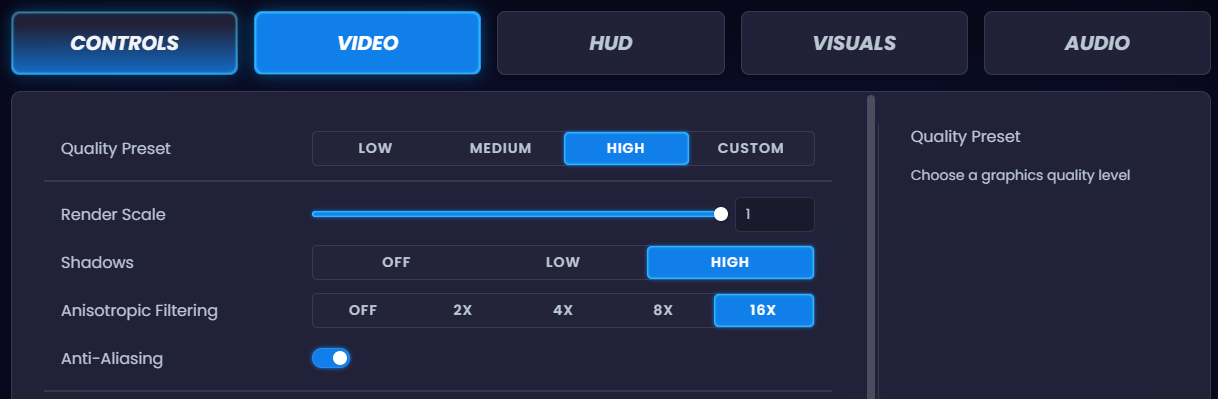
By prioritizing low latency over visual fidelity, you ensure that the image you see matches the actual position of the enemy server-side. This alignment is the foundation of high-level accuracy.
Optimizing Your Graphics and Display Pipeline
The first step toward better aim is eliminating “input delay.” If your monitor is struggling to keep up with your GPU, you will experience ghosting or motion blur, making it impossible to track fast-moving targets accurately.
1. Monitor Refresh Rate and Response Time
Ensure your monitor is set to its maximum native refresh rate in both Windows display settings and the game’s video menu. Even if you have a 360Hz monitor, it is common for Windows to default to 60Hz. Always enable Overdrive or Response Time settings on your monitor to the “Fast” or “Extreme” setting to reduce motion blur.
2. Eliminating Input Lag
Turn off V-Sync immediately. While it prevents screen tearing, it introduces significant input lag that makes your mouse feel “heavy” or “muddy.” Instead, use modern anti-lag technologies like NVIDIA Reflex or AMD Anti-Lag+. These features synchronize the GPU and CPU to minimize the time between your click and the action on screen.
The Role of Mouse Sensitivity and DPI
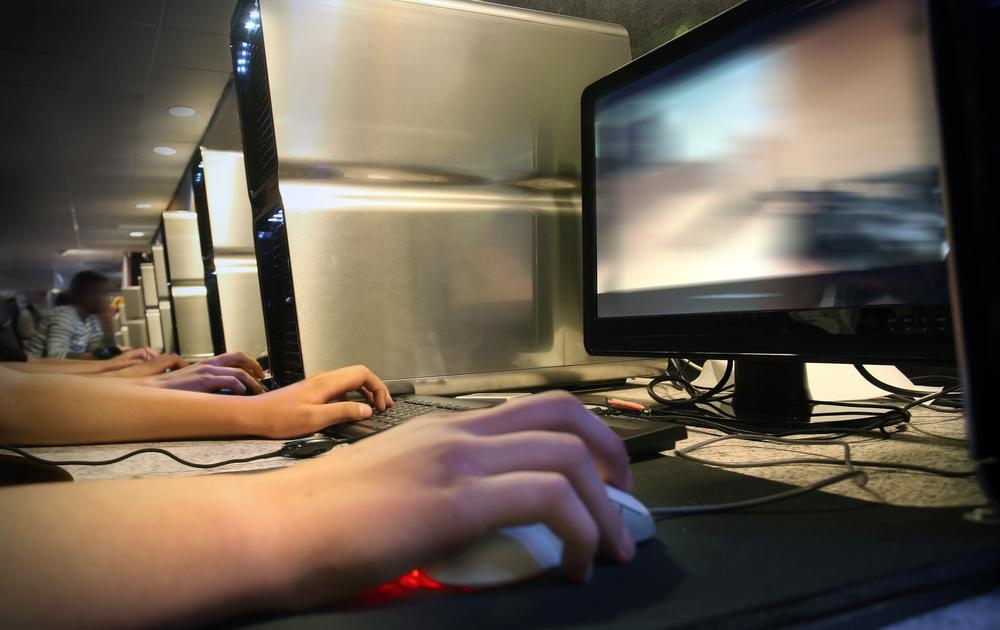
Your mouse settings are the most personal aspect of FPS accuracy, but there is a clear consensus among pros in 2026. Most high-accuracy players prefer a lower sensitivity range (e.g., 400 to 800 DPI) to allow for greater micro-correction control.
Finding Your “EDPI”
Your Effective DPI (EDPI) is calculated by multiplying your mouse DPI by your in-game sensitivity.
- Low Sensitivity: Better for long-range tracking and stability.
- High Sensitivity: Better for flicking and close-quarters reaction.
- Consistency Tip: Once you find a sensitivity that feels comfortable, stop changing it. Constant adjustments reset your muscle memory, hindering your progress.
Ergonomics: The Physical Side of Accuracy
You can have the perfect software configuration, but if your posture is poor, your aim will suffer. In 2026, the “meta” for physical aiming involves keeping your arm in a neutral, relaxed position.
<img alt="Keeping Your Arm Close to Your Body for FPS Aiming" src="https://kajabi-storefronts-production.kajabi-cdn.com/kajabi-storefronts-production/file-uploads/themes/3023243/settingsimages/bca10de-63c-1ba-26ea-00d32a4f2ea4fpscoachcommunity.jpg” style=”max-width:100%; height:auto; border-radius:8px; margin: 1rem 0;” />
Ensure your elbow is level with your desk. By keeping your arm close to your body and utilizing your entire arm for large movements and your wrist for micro-adjustments, you achieve a level of stability that wrist-only aimers simply cannot match.
Advanced Drills for 2026
Settings are only the foundation; you must build the house with practice. Incorporate these three drills into your daily routine:
- Tracking Exercises: Follow a moving object in an aim trainer for 10 minutes to stabilize your hand.
- Flick Training: Practice snapping between two stationary points to build spatial awareness.
- Crosshair Placement Drills: Play deathmatch modes without shooting; focus entirely on keeping your crosshair at head height at all times.
Conclusion: Consistency is King
Improving your aiming accuracy in 2026 is a holistic process. By optimizing your FPS settings, reducing input lag, and maintaining a consistent physical posture, you remove the barriers between your intent and your execution. Remember that the best settings in the world cannot replace the thousands of hours of deliberate practice required to master your craft. Start by optimizing your display, lock in your sensitivity, and commit to a daily training routine. The results will follow.